Walmart · Store operations
Manage Store
Helping store managers understand performance, compare metrics, and act confidently while on the floor.
01 · Overview
Helping store managers see what matters and act faster.
Walmart operates more than 5,500 U.S. stores with over 1.2 million store associates.
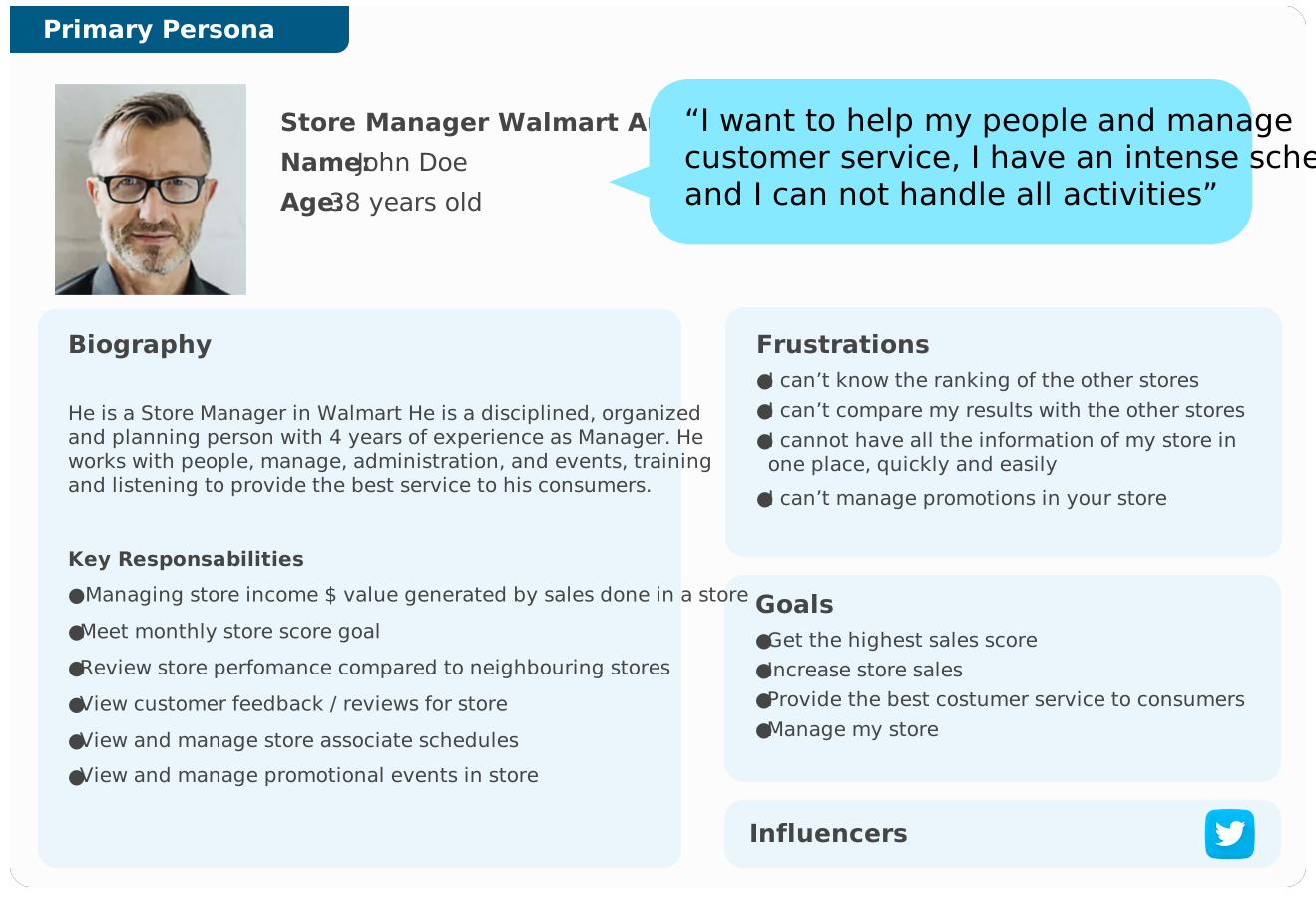
Store managers spend much of the day moving through the store with an iPad. Manage Store was designed to bring performance, customer feedback, schedules, events, and comparative metrics into one clear operational experience.
02 · Role & focus
Design the manager’s daily command center.
My contribution
Stakeholder and user interviewsGoals and objectivesPersona and scenariosSite map and architectureWireframes and prototypesUsability testingCompetitive analysis
Meet monthly score goals
Compare performance with nearby stores
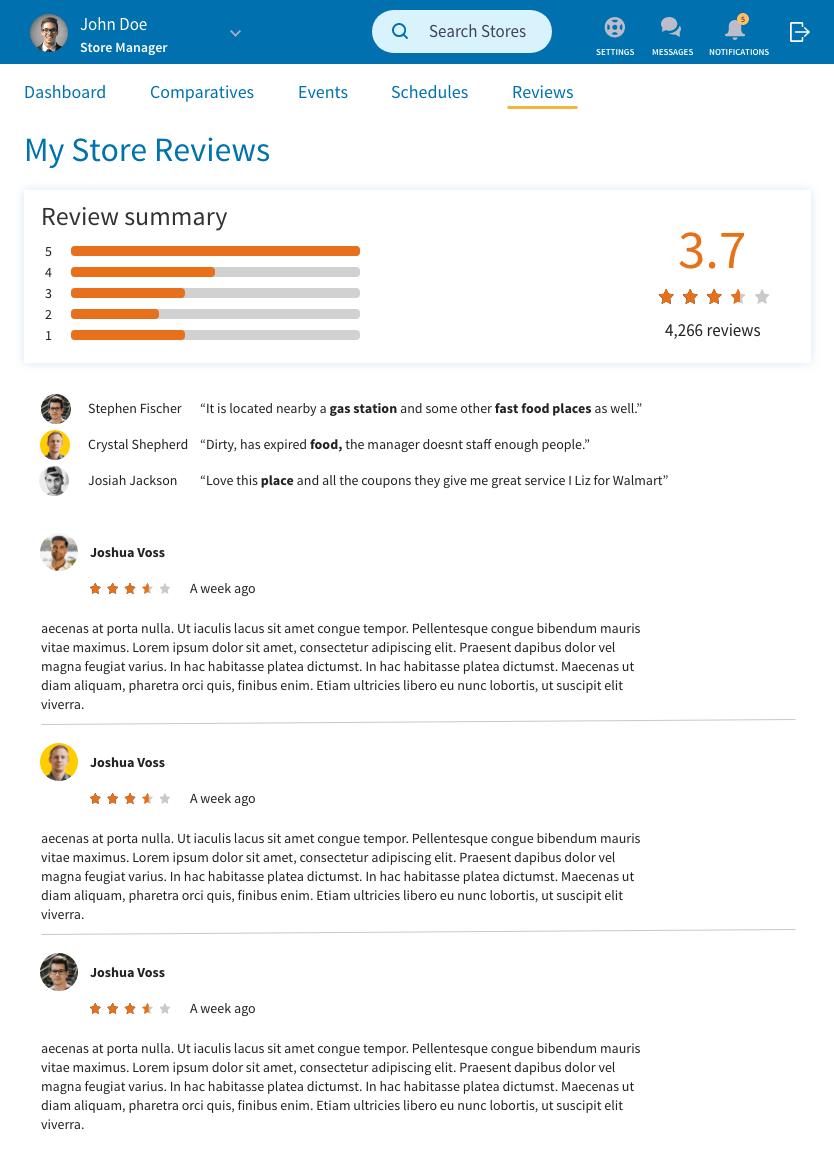
Review customer feedback
Manage associate schedules
Plan promotional events
03 · Discovery research
Four managers, one complicated day-to-day reality.
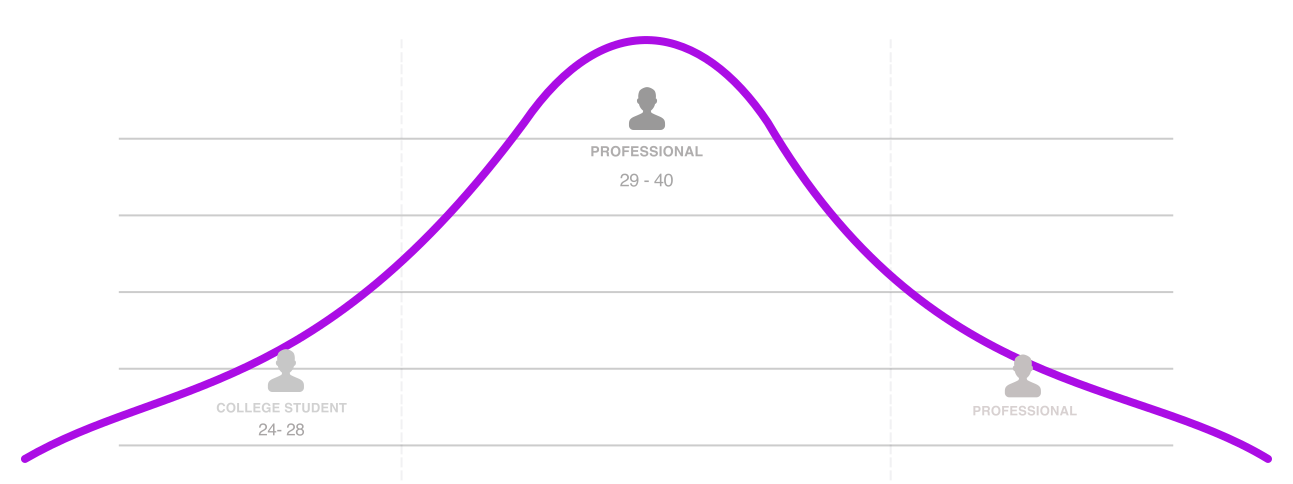
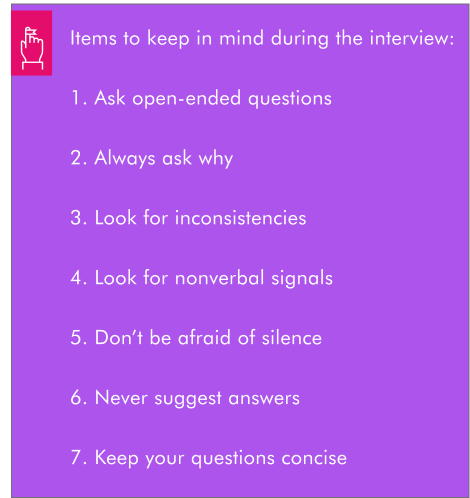
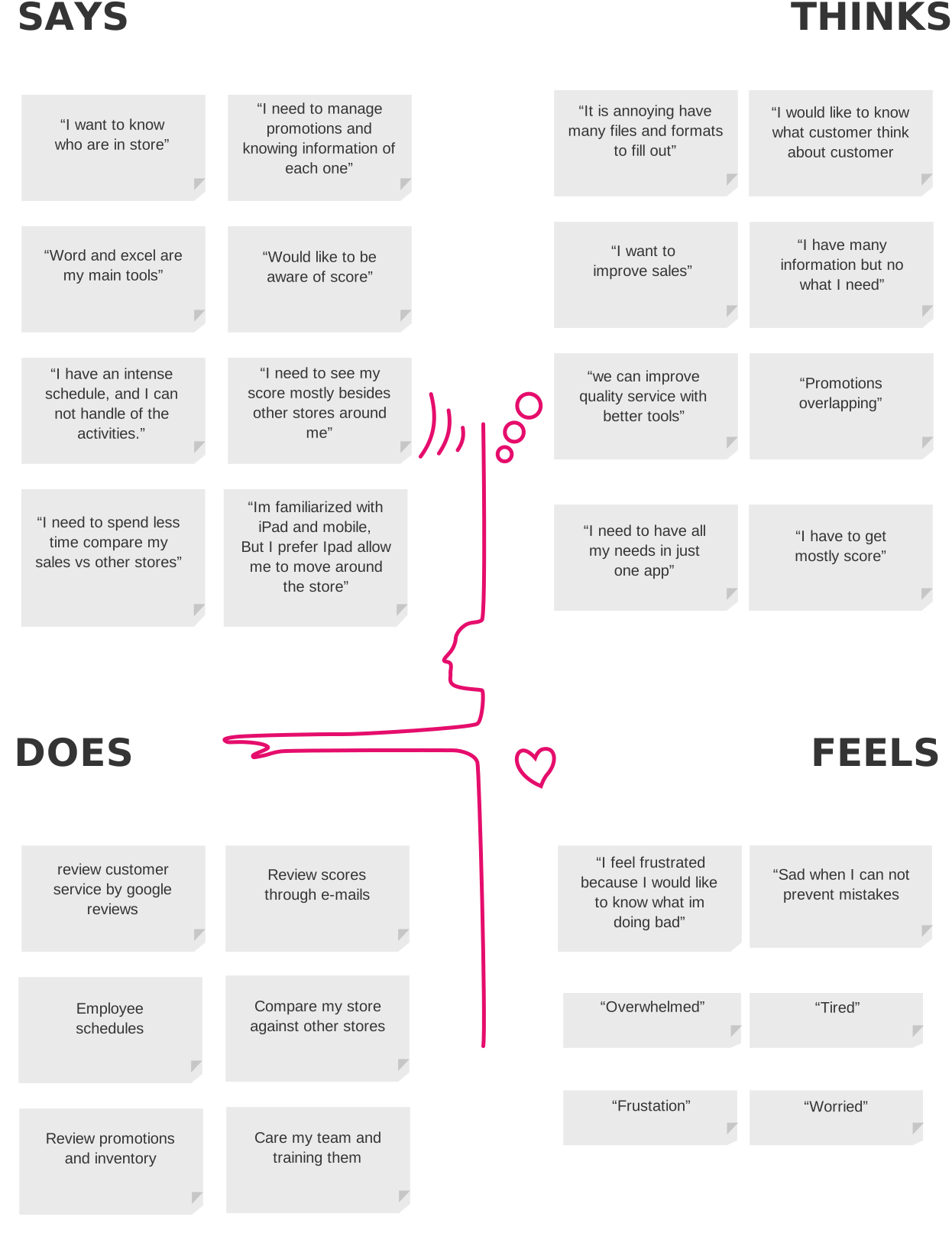
Interviews explored the activities, tools, scores, frustrations, and decisions that shape a store manager’s day.
The research examined how managers review reports, measure customer service, schedule associates, manage events, and understand performance against nearby stores.
Affinity themes
Six recurring responsibilities shaped the product.
Manage store income and sales
Meet monthly score goals
Compare performance with nearby stores
Review customer feedback
Manage associate schedules
Plan promotional events
04 · Synthesis
Converging research into one coherent product model.
Profile
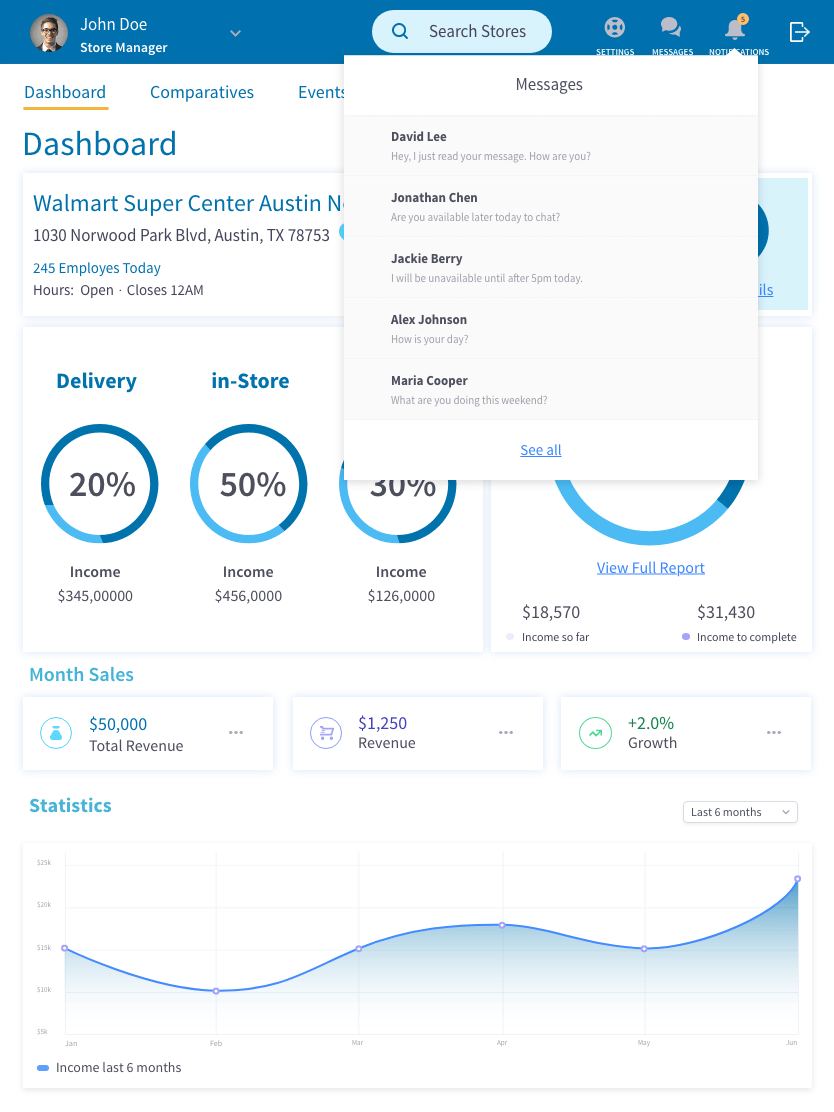
Account, messages, and notifications
Store reviews
Review summaries, feedback, names, and comments
Dashboard
Store search, performance, ranking, and nearby comparisons
Sales reports
Delivery, pickup, product, daily, and monthly sales
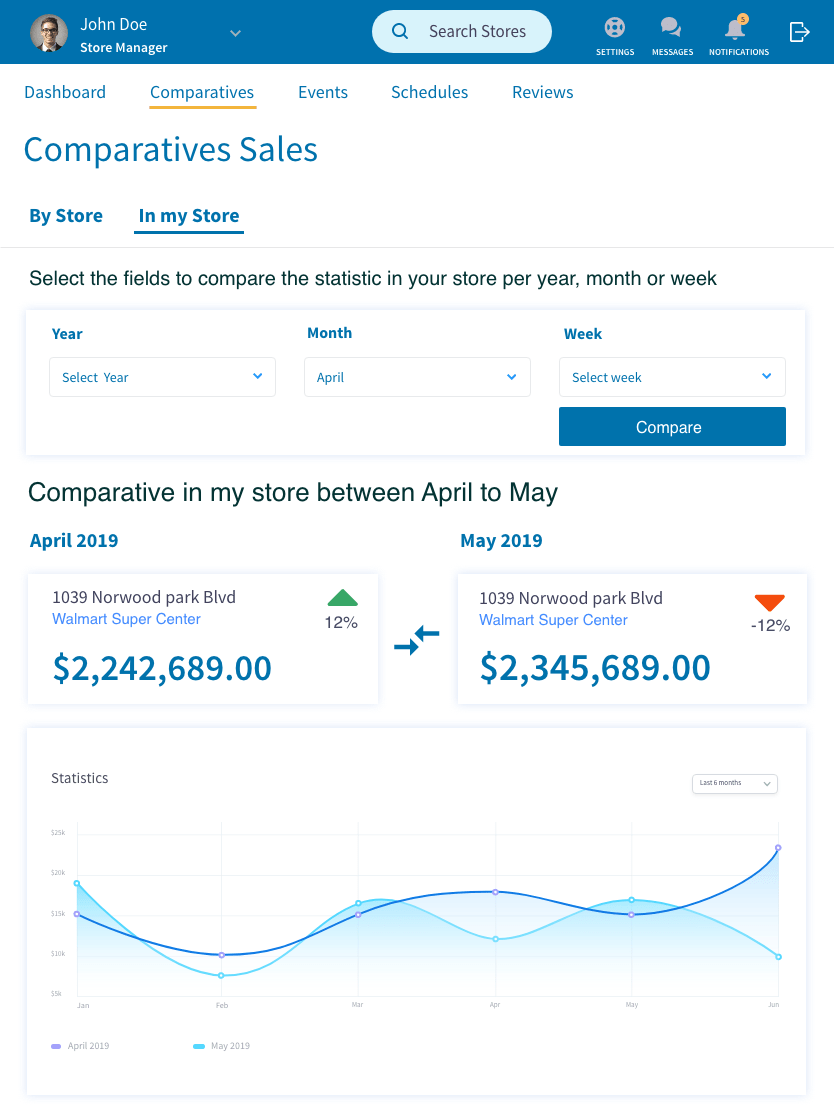
Comparative filters
Weekly, monthly, and yearly comparisons
Events
Promotions, schedules, campaign details, and event creation
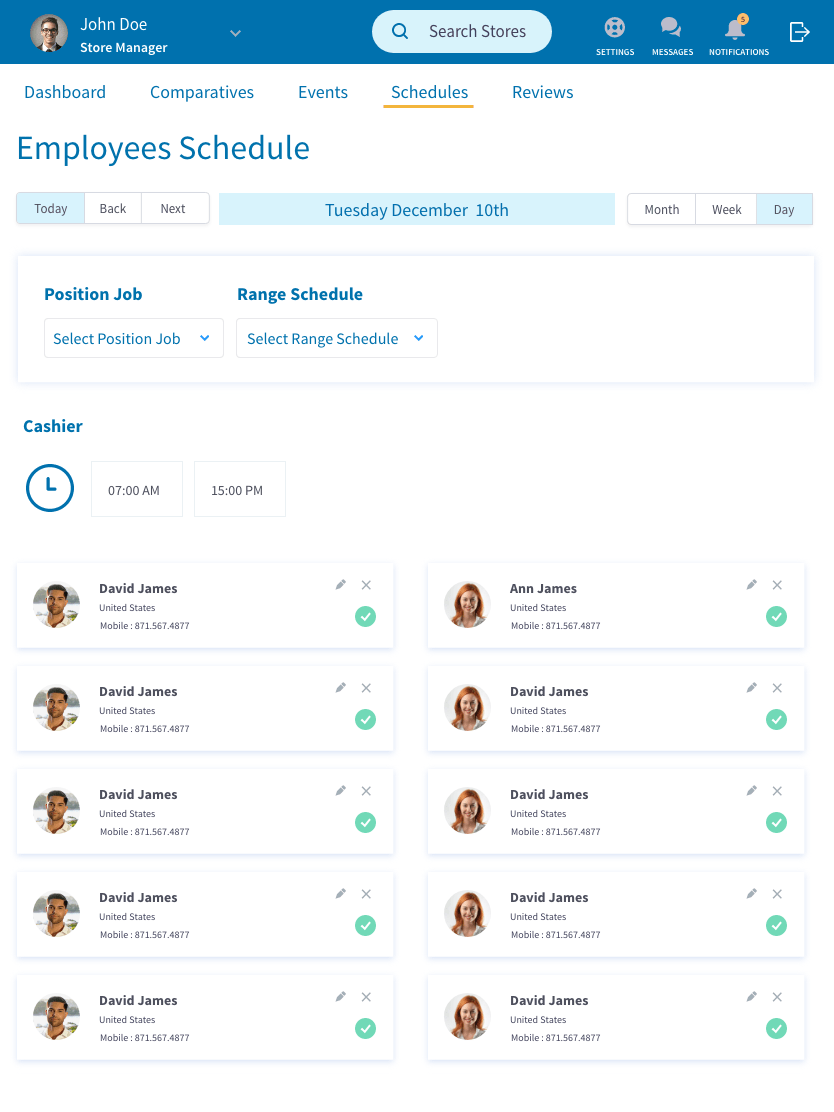
Associate schedule
Shifts, roles, contact details, and employee administration
05 · Product structure
Giving every task a clear place in the system.
Site map
Plan the complete product
Define the pages and pathways across login, dashboard, metrics, schedules, events, reviews, and account management.
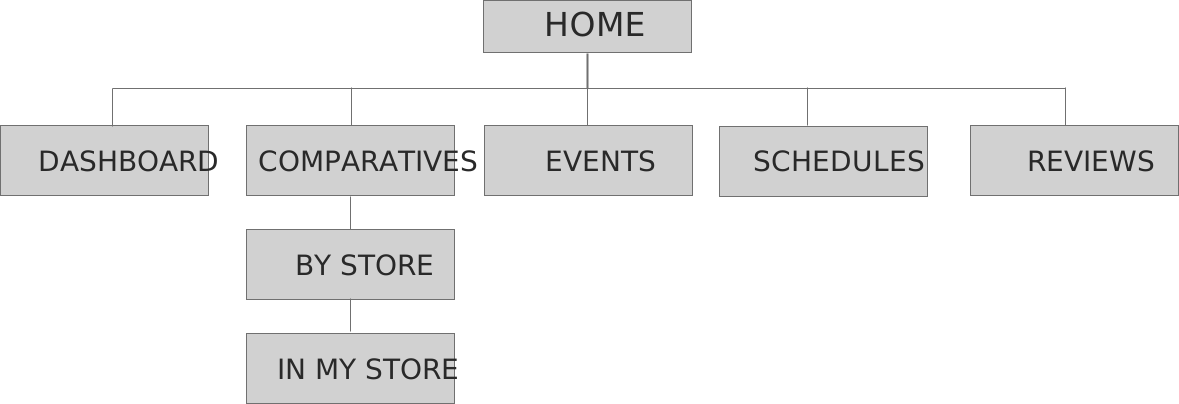
Information architecture
Organize content around manager decisions
Structure operational information so managers can scan, compare, and move to the next action quickly.
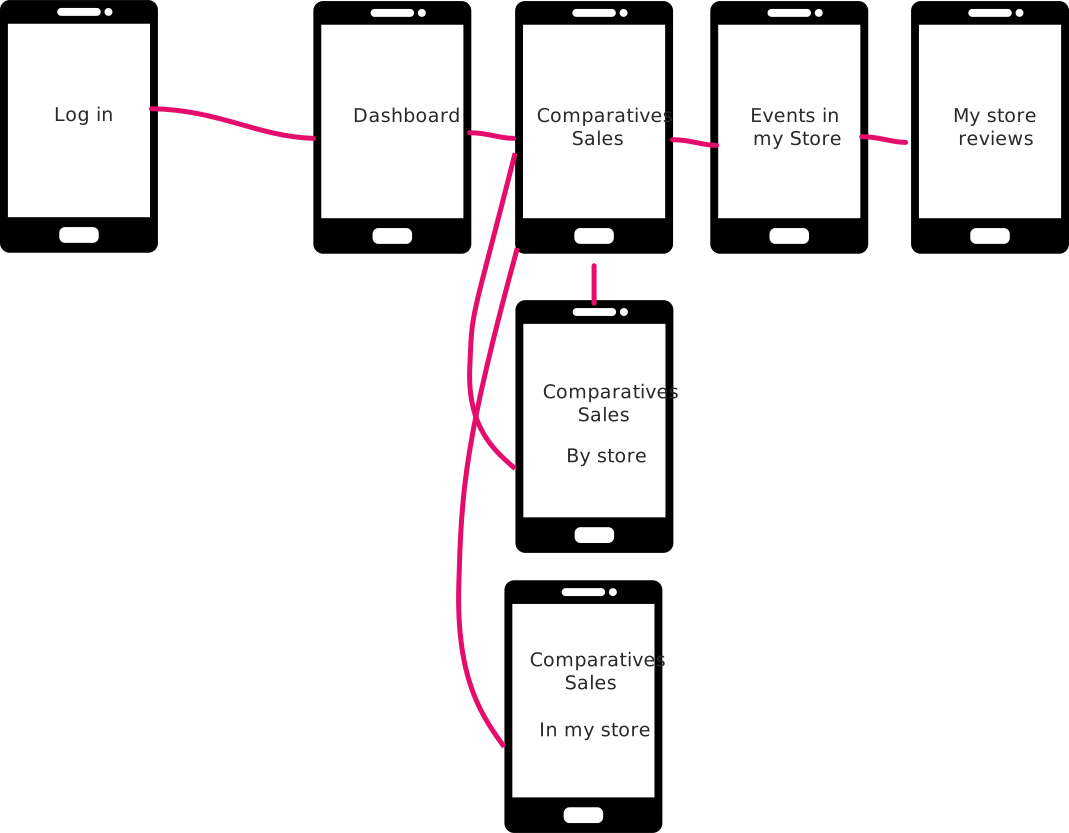
User flows
Connect login, dashboard, sales comparison, events, schedules, and reviews.


06 · Sketching
Testing the dashboard shape before adding detail.


07 · Wireframes
Make the information testable before making it polished.
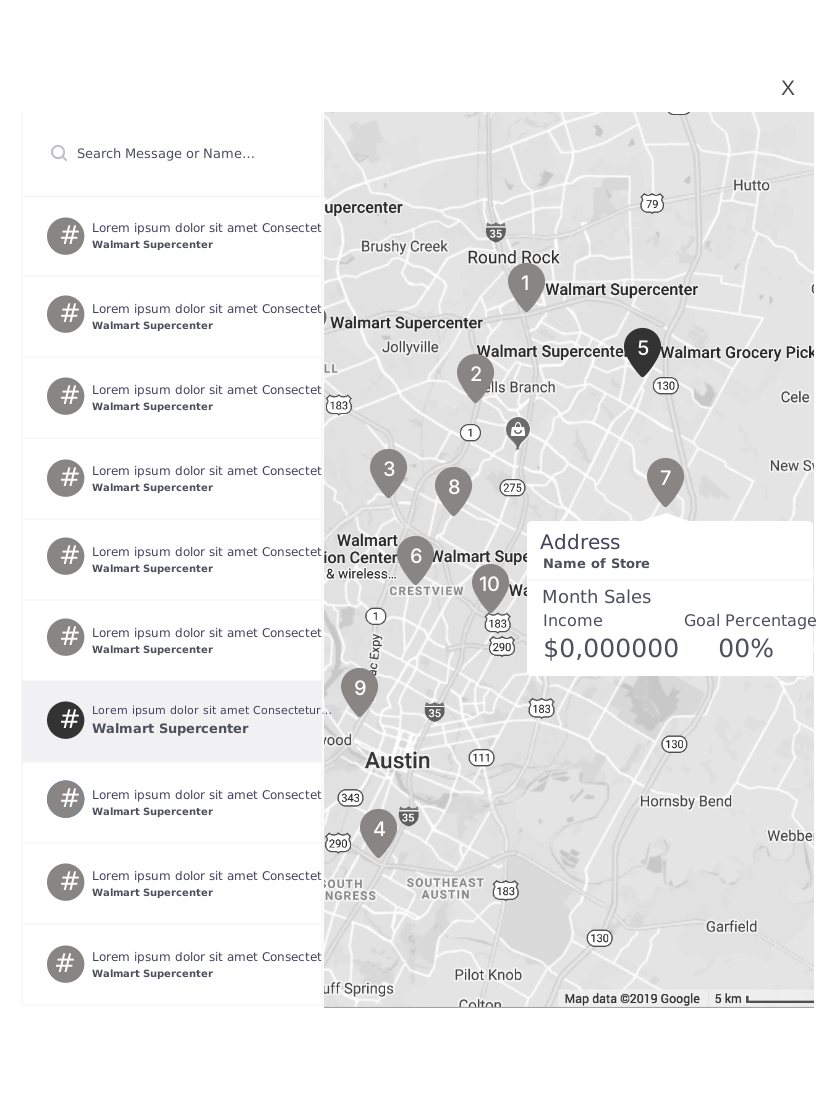
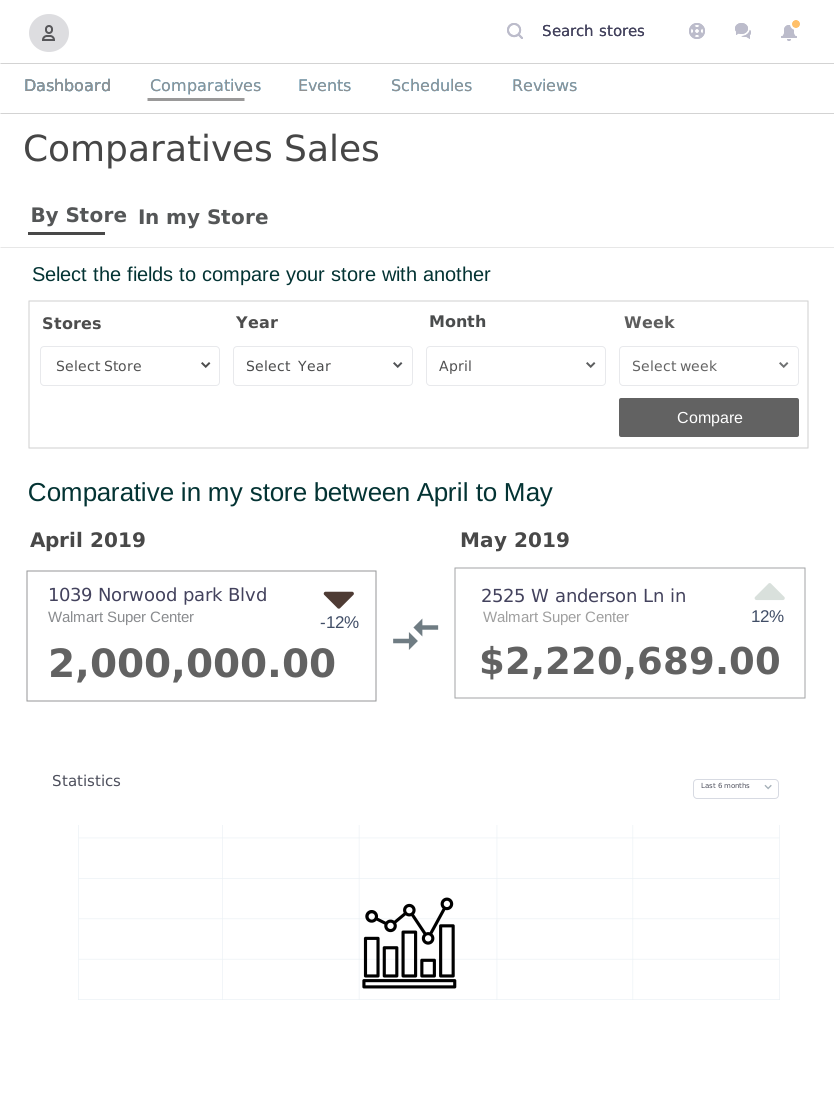
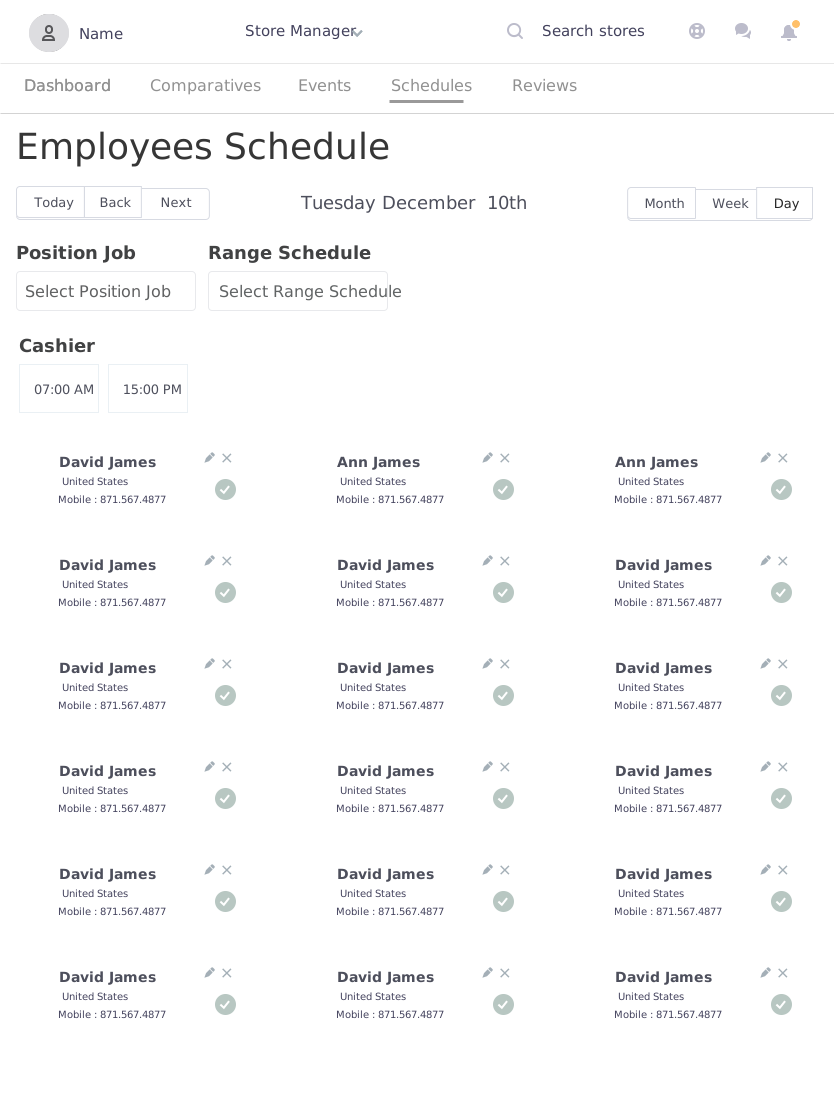
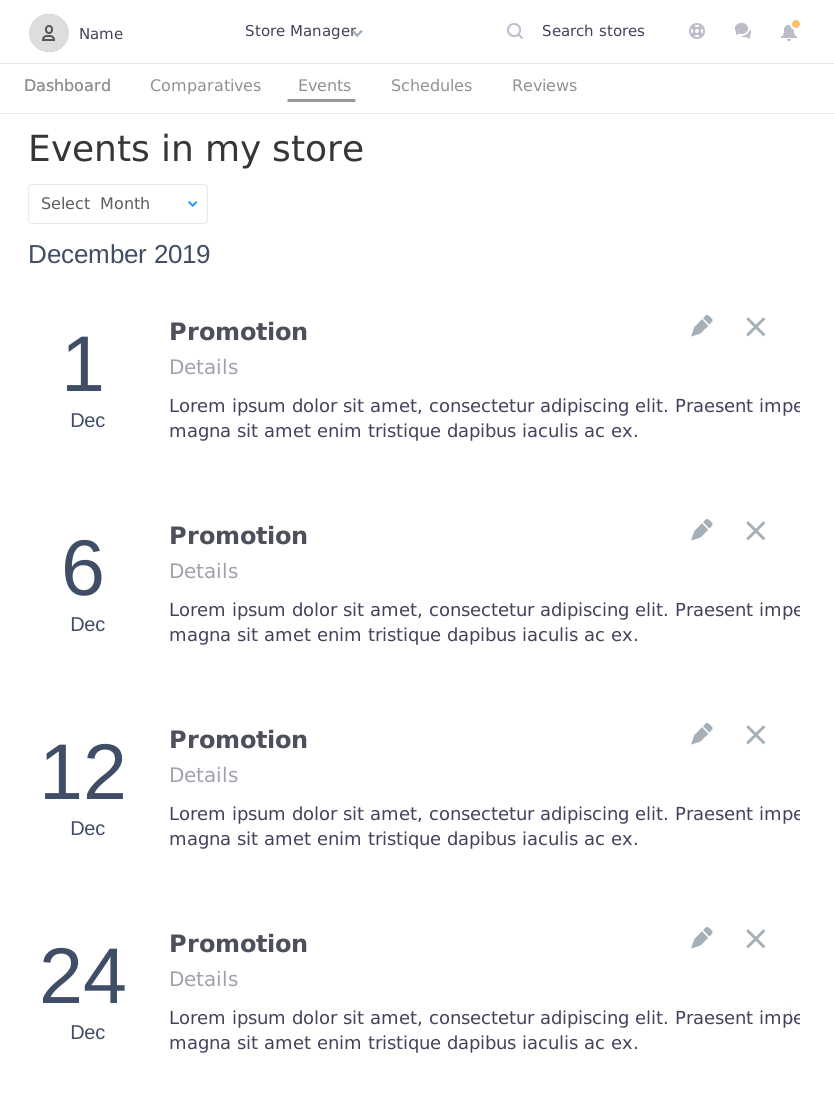
Low-fidelity prototypes made it possible to validate the structure, navigation, comparisons, and operational tasks early.
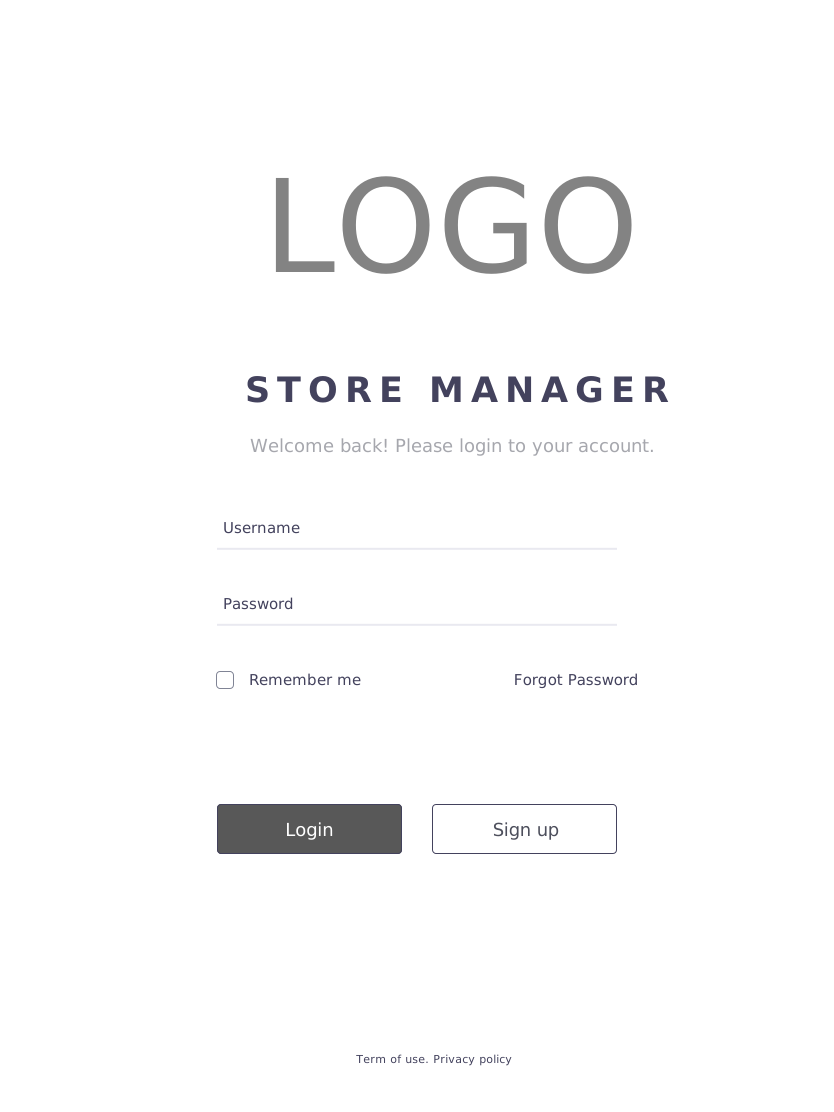
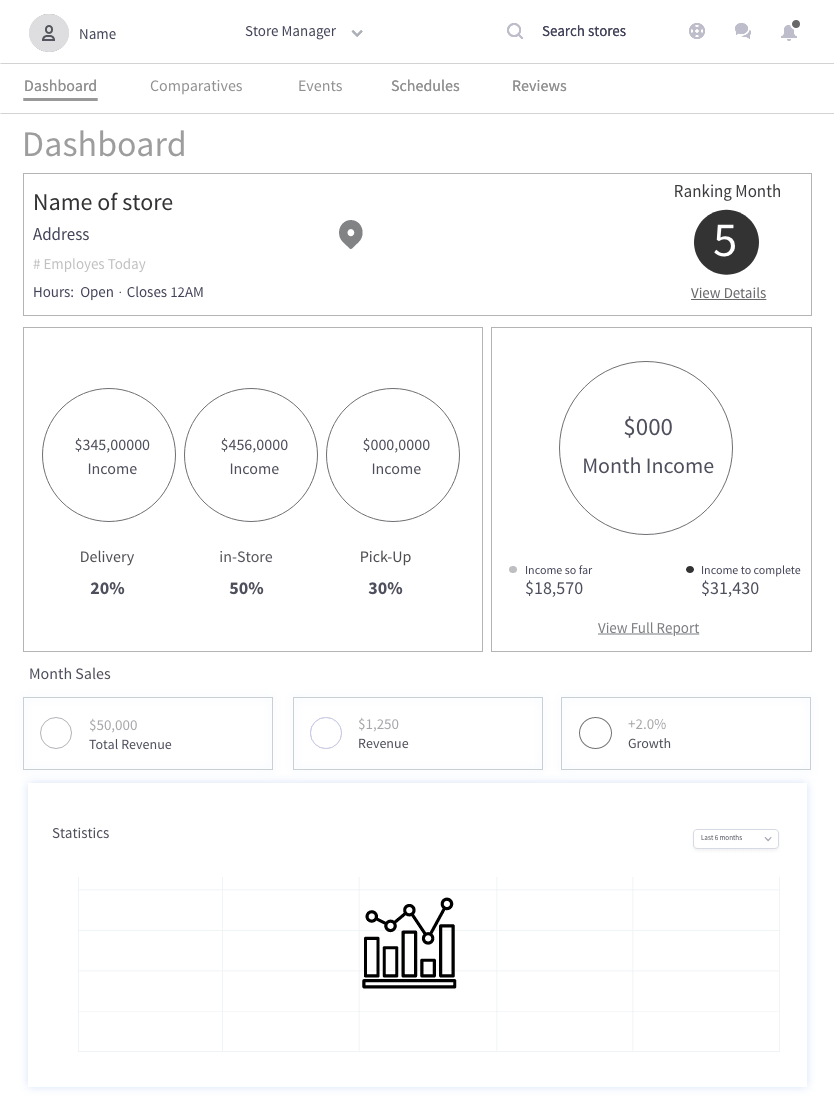
Testing findings
What managers asked for.
- Add and manage events with recognizable imagery.
- Show no more than eight cashiers in two columns, supported by employee photos.
- Provide an account area for messages and notifications while managers are inside the store.
- Keep comparisons and status information easy to scan while moving.
08 · High-fidelity prototype
A focused operational experience for the store floor.
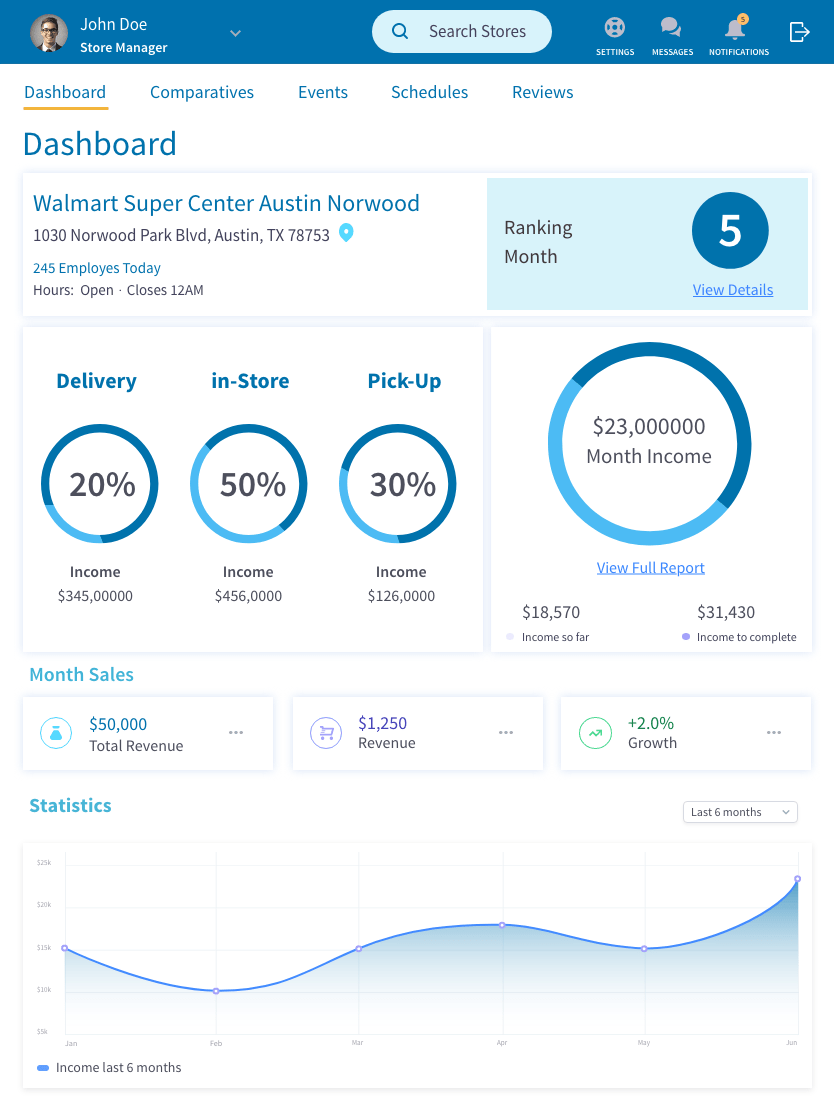
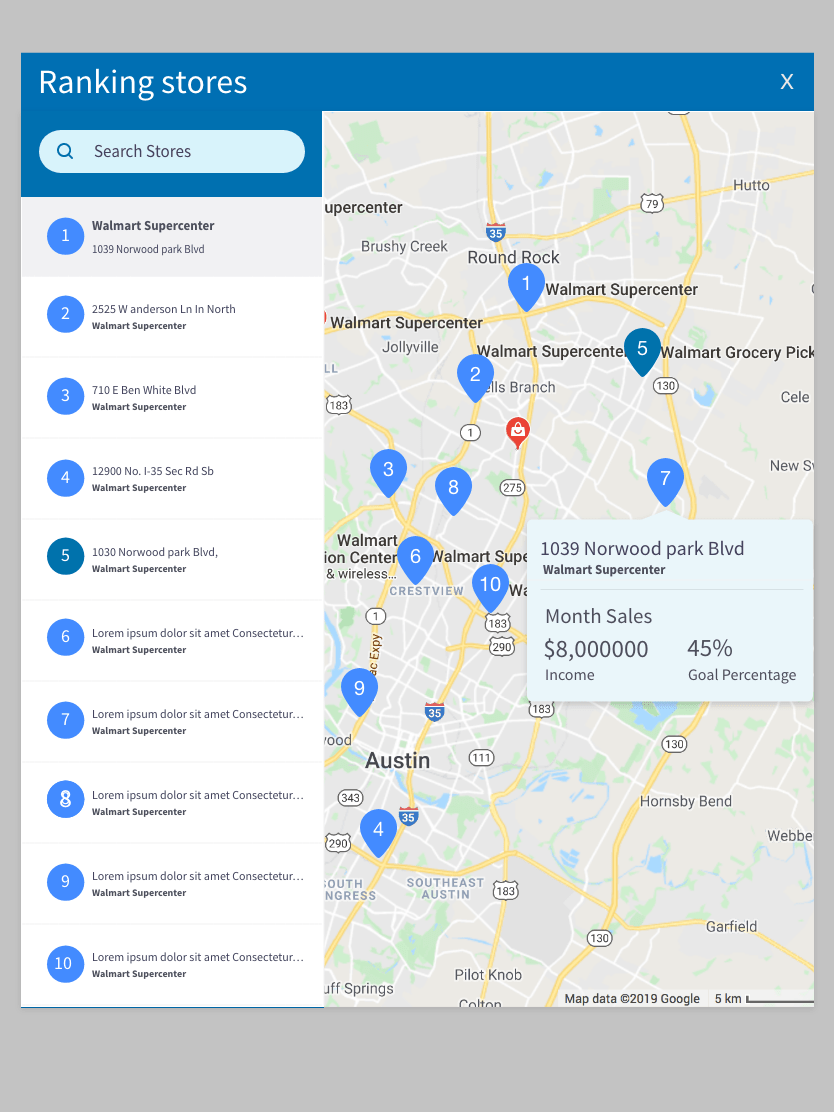
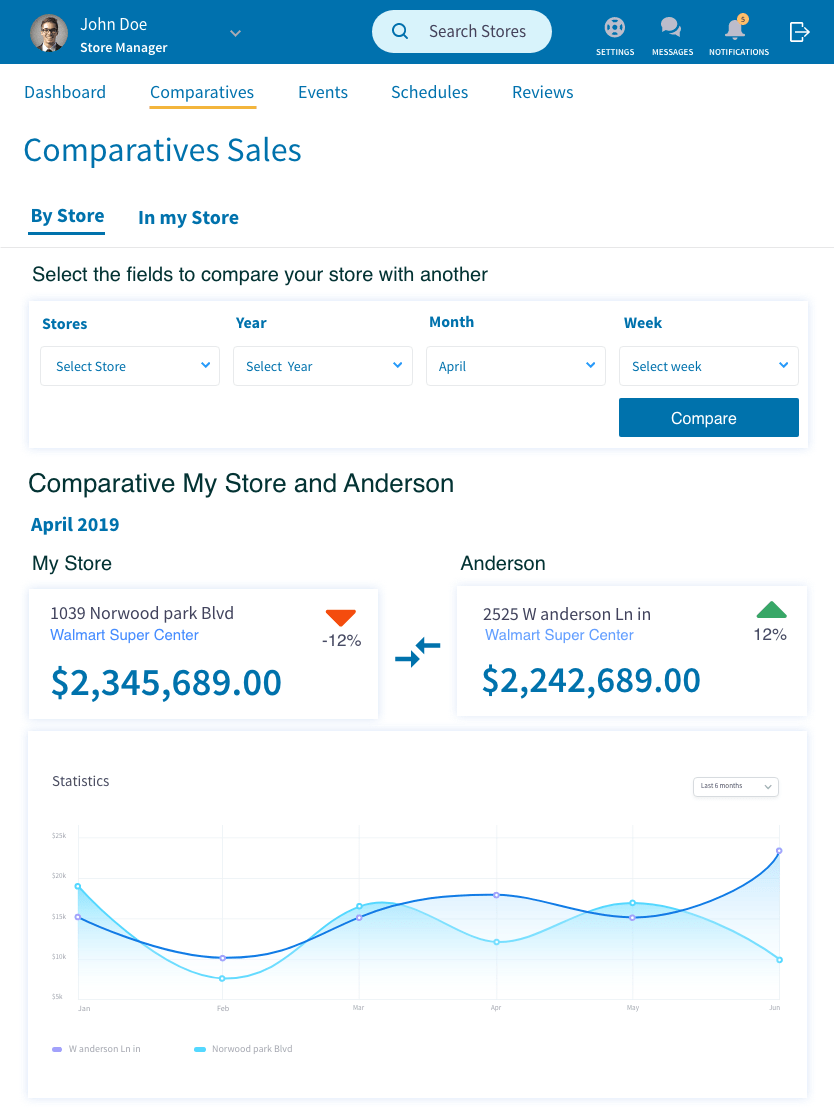
The final prototype brings performance, ranking, sales, schedules, reviews, events, and notifications into a coherent iPad experience.